Docker 部署 Go 项目
· 135 字 · 约 1 分钟
记录自己用 dockers 部署 Go 项目
Go
项目文件结构如下
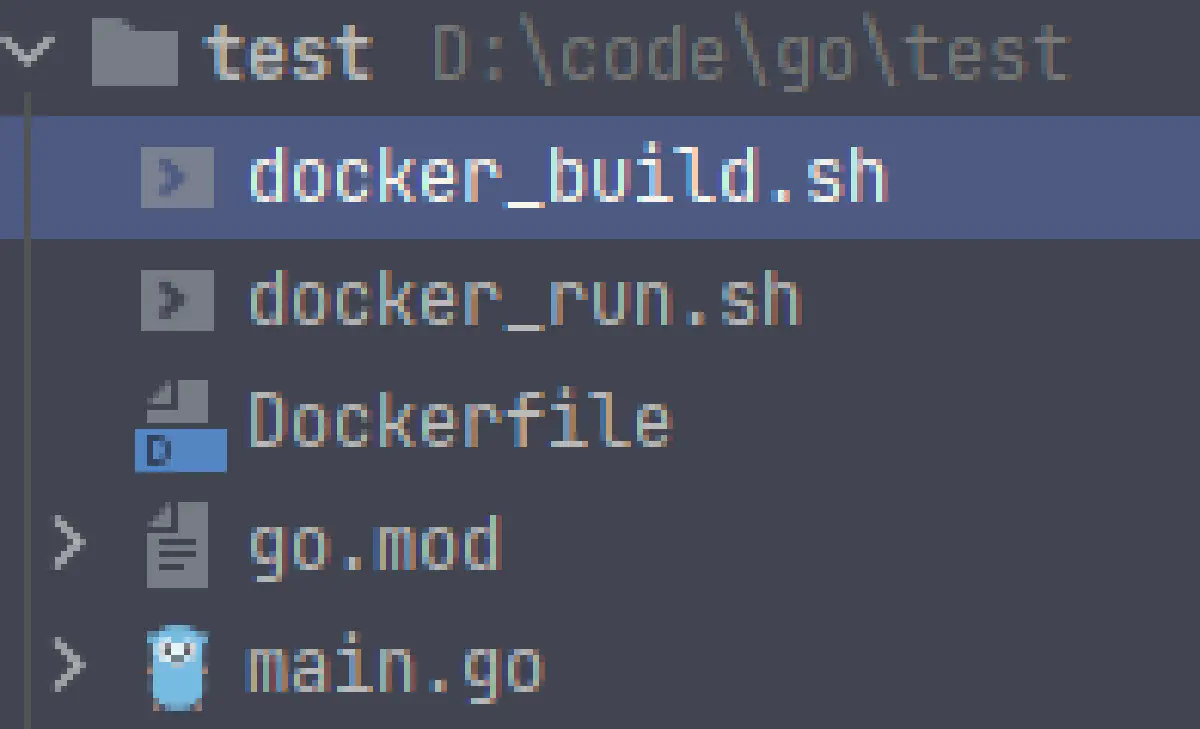
首先实现一个测试 demo main.go
 1
 2
 3
 4
 5
 6
 7
 8
 9
10
11
12
13
14
15
16
17
|
package main

import (
	"fmt"
	"github.com/gin-gonic/gin"
	"net/http"
)

func main() {
	fmt.Println("service start")
	router := gin.Default()
	router.GET("/ping", func(context *gin.Context) {
		context.JSON(http.StatusOK, gin.H{"message": "pong"})
		fmt.Println("service healthy")
	})
	router.Run(":9999")
}
|
Dockerfile
编写 Dockerfile 文件Dockerfile
 1
 2
 3
 4
 5
 6
 7
 8
 9
10
11
12
13
14
15
16
17
|
FROM golang:1.17-alpine

WORKDIR /app
ADD * /app

ENV GO111MODULE=on \
        CGO_ENABLED=0 \
        GOOS=linux \
        GOARCH=amd64 \
    	GOPROXY="https://goproxy.io,direct"
RUN go mod download

RUN go build -o test_go .

EXPOSE 9999

CMD ./test_go
|
编写启动构建和启动脚本
构建脚本docker_build.sh
1
|
docker build -t my_test .
|
运行脚本 docker_run.sh
1
|
docker run -p 9999:9999 --name gin_test my_test
|
执行构建脚本
执行运行脚本
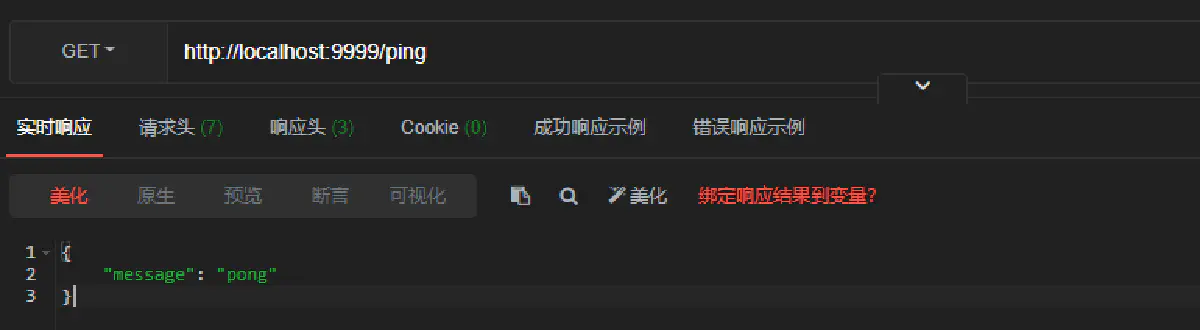
测试
在 ApiPost 进行测试
#教程
#Docker
#Gin